

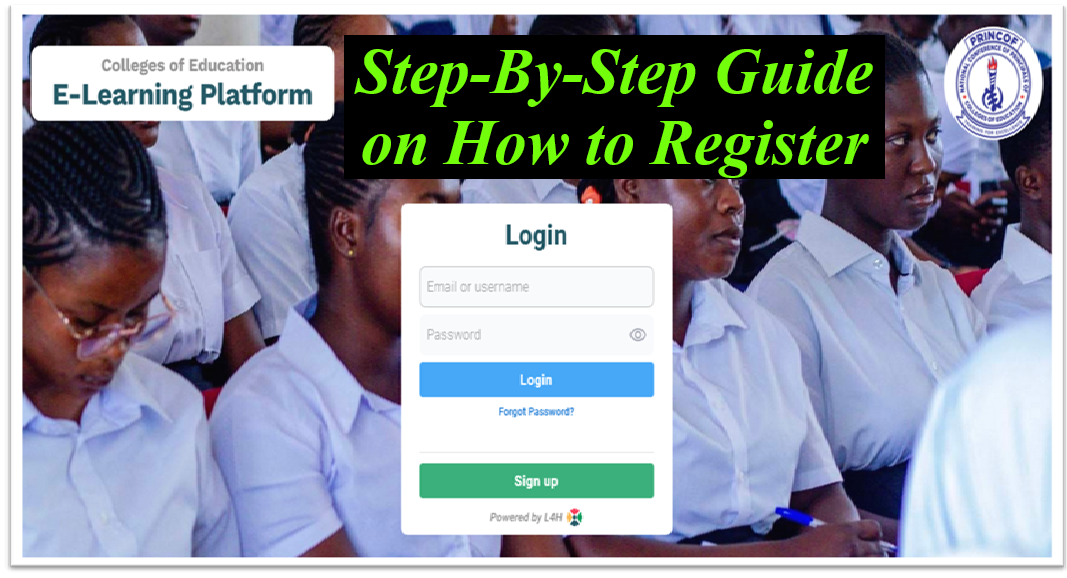
Students across the public Colleges of Education have been directed by the National Conference of Principals of Colleges of Education (PRINCOF) to begin self-registration on the newly introduced e-learning platform, which is now fully operational.
The platform forms part of a broader national effort to digitise teacher education and improve access to academic resources across all Colleges of Education.
PRINCOF has advised all students to complete their registration promptly to avoid missing out on academic content and activities hosted on the platform.
The initiative aligns with the government’s broader push to modernise teacher education through digital tools and improve access to quality learning resources across all Colleges of Education.
Below is a clear, step-by-step guide to help students successfully register and begin using the platform.
#01. Visit the E-Learning Platform.
Open your browser and visit the official Colleges of Education e-learning portal at https://coe.gh.l4h.world/login.
#02. Create an Account
On the homepage, locate and click on the “Sign Up” or “Register” option.
You will be required to provide basic details such as:
- Full name
- Student ID or index number
- Email address
- Phone number
- Preferred username and password
Ensure all details are accurate before proceeding.
#03. Verify Your Account
- After completing the registration form, a verification link or code may be sent to your email address or phone number.
- Follow the instructions provided to confirm and activate your account.
#04. Log In to the Platform
- Once your account is verified, return to the login page and enter your username/email and password to access your dashboard.
#05. Update Your Profile
After logging in, you may be required to complete your profile by adding:
- Programme of study
- College name
- Level or year
- Course details
This helps the system assign relevant academic materials to you.
#06. Access Learning Materials
Upon successful login, you will gain access to a wide range of academic resources, including:
- Lecture notes and slides
- Digital textbooks
- Past questions
- Interactive quizzes and worksheets
- Course-specific materials
These resources are designed to support both classroom and independent learning.
Students can now enroll in courses, download materials, and participate in online academic activities through the platform.
For General Informations, Schorlaships, Intenships, Jobs, Research Grants, and Many More Both Local and International;
-
Follow to join WhatsApp Channel.
-
Telegram Channel.