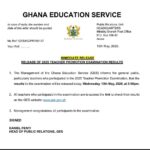


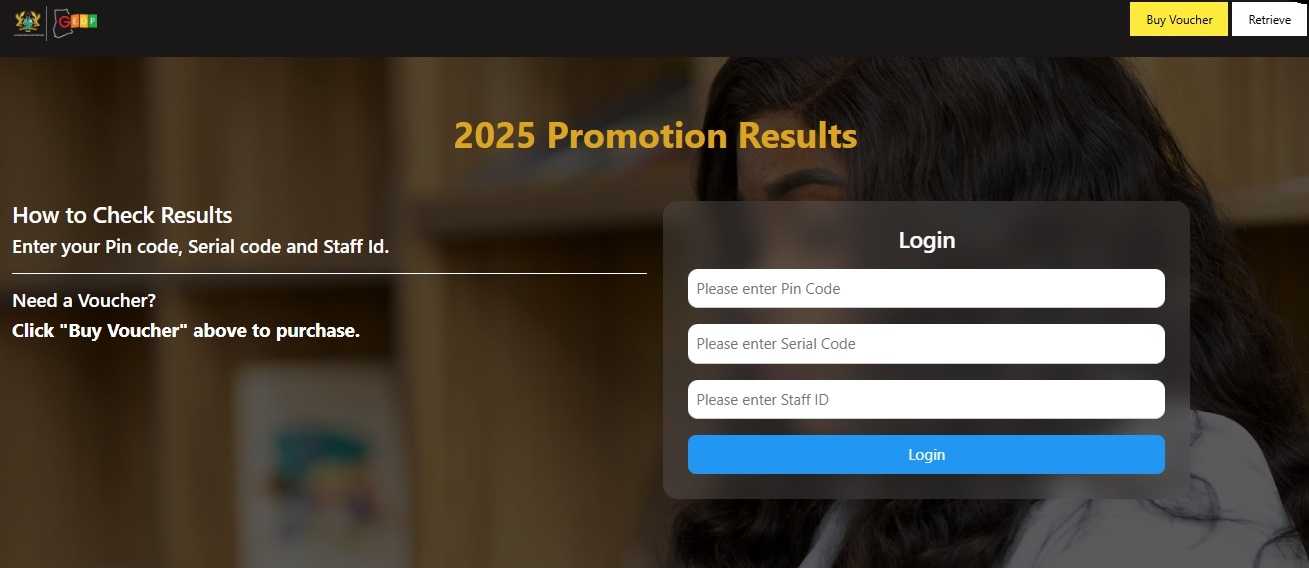
The Ghana Education Service (GES) has outlined the process for checking promotion examination results online through the official GES Promotion portal and the GESMIS platform.
Candidates who sat for the promotion examination can follow the steps below to access their results.
Steps to Check Your GES 2025 Promotion Exam Result
Candidates are advised to follow the steps below to access their promotion results:
- Click on the : https://bit.ly/GESPROMOTIONSRESULT2025
- Click on the ” ” option and wait for the prompt.
- Complete the required details on the form provided.
- Click on ” .”
- Enter your , , .
- Click on “” to access your results.
- Your result will appear on the screen.
- Download, print, or take a screenshot of the result for future reference.
Alternative Method Through GESMIS
Candidates may also check their results through the GESMIS platform: https://gesmis.org
Information Required
Applicants are expected to have the following details available before checking their results:
- GESMIS login credentials for those using the GESMIS portal
- Staff ID
- PIN Code and Serial Code
Important Notice
Candidates experiencing delays or difficulties accessing the portal are advised to wait briefly and try again later, as heavy traffic may temporarily affect the system.
For General Information, Scholarships, Internships, Jobs, Research Grants, and many more, both local and International,
-
Follow to join WhatsApp Channel.
-
Telegram Channel.